You need: 1–10 photos of the product, its title and a description, and at least one video on your balance.
Open babooma.com, press Sign in and enter your e-mail. Press Email me a link and open the link from the letter (or press Continue with Google).
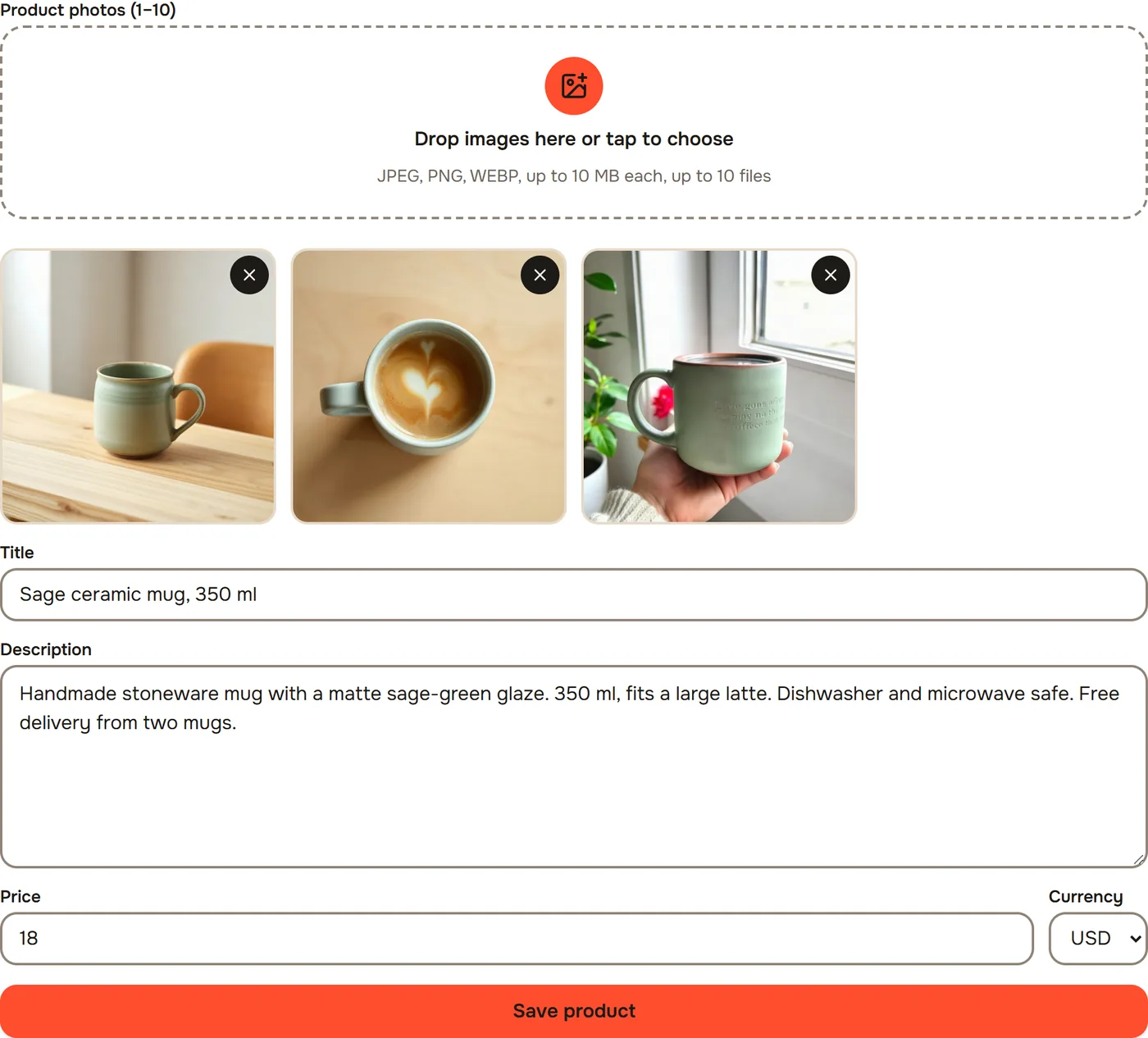
In the menu open Products. Under New product add the Product photos (1–10), then fill in Title, Description and Price. Press Save product. Write everything worth saying into the description: material, sizes, delivery. The script uses only these facts, nothing is made up.
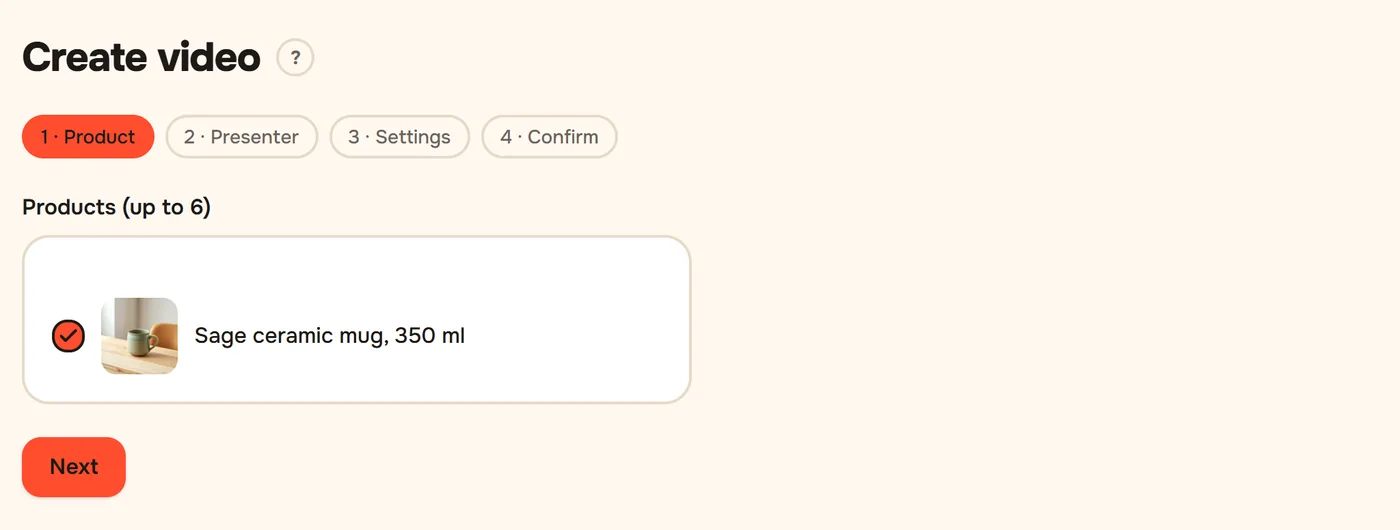
Open Create video. On the Product step tick your product and press Next.
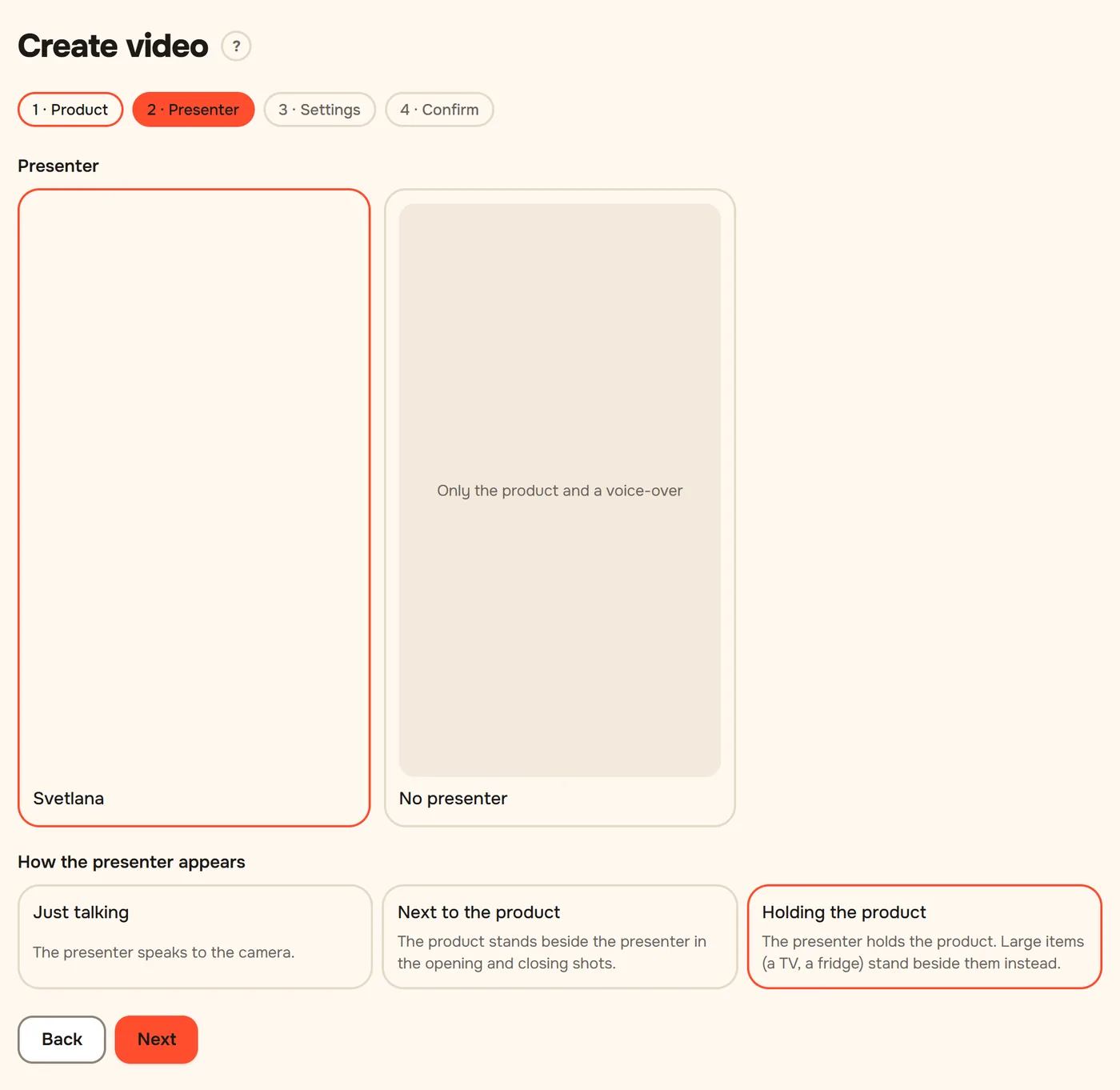
On the Presenter step pick a presenter, or No presenter for a voice-over only. Press Next. No presenters in the list? Take a free one first: see Your own presenter.
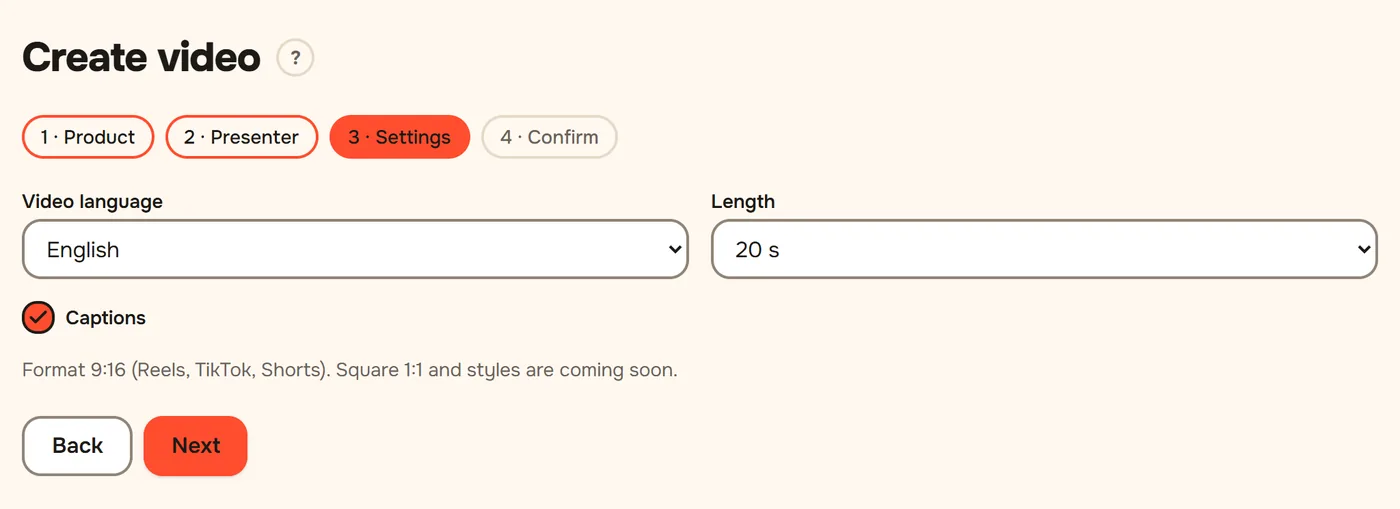
On the Settings step choose the Video language, the Length and Captions, press Next, then Write the script.
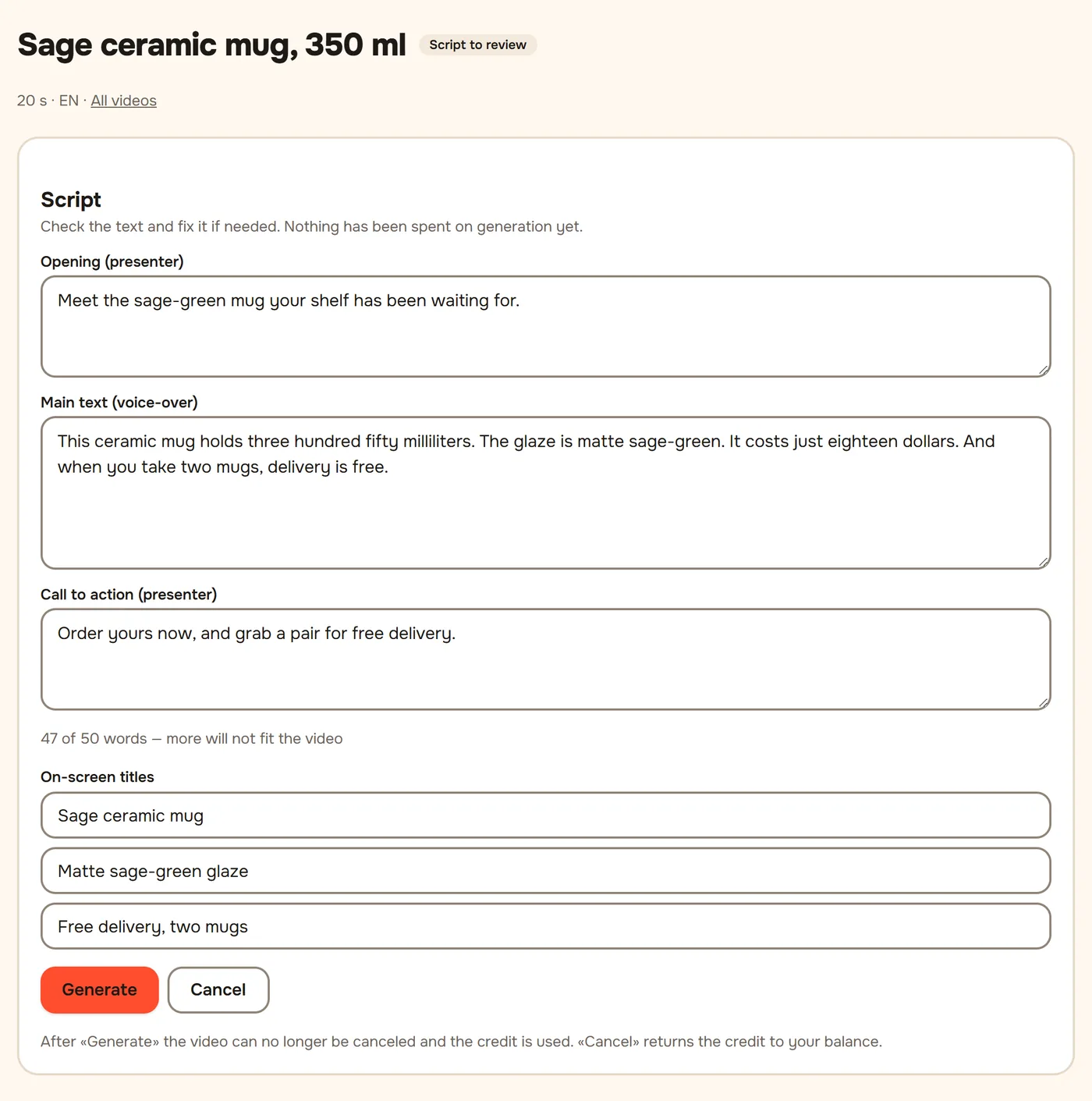
In about a minute the script appears. Read it and fix any words if needed, then press Generate. Until then Cancel returns the video to your balance.
The video is ready in 5–15 minutes; you can close the page. It shows up in My videos with the status Ready.
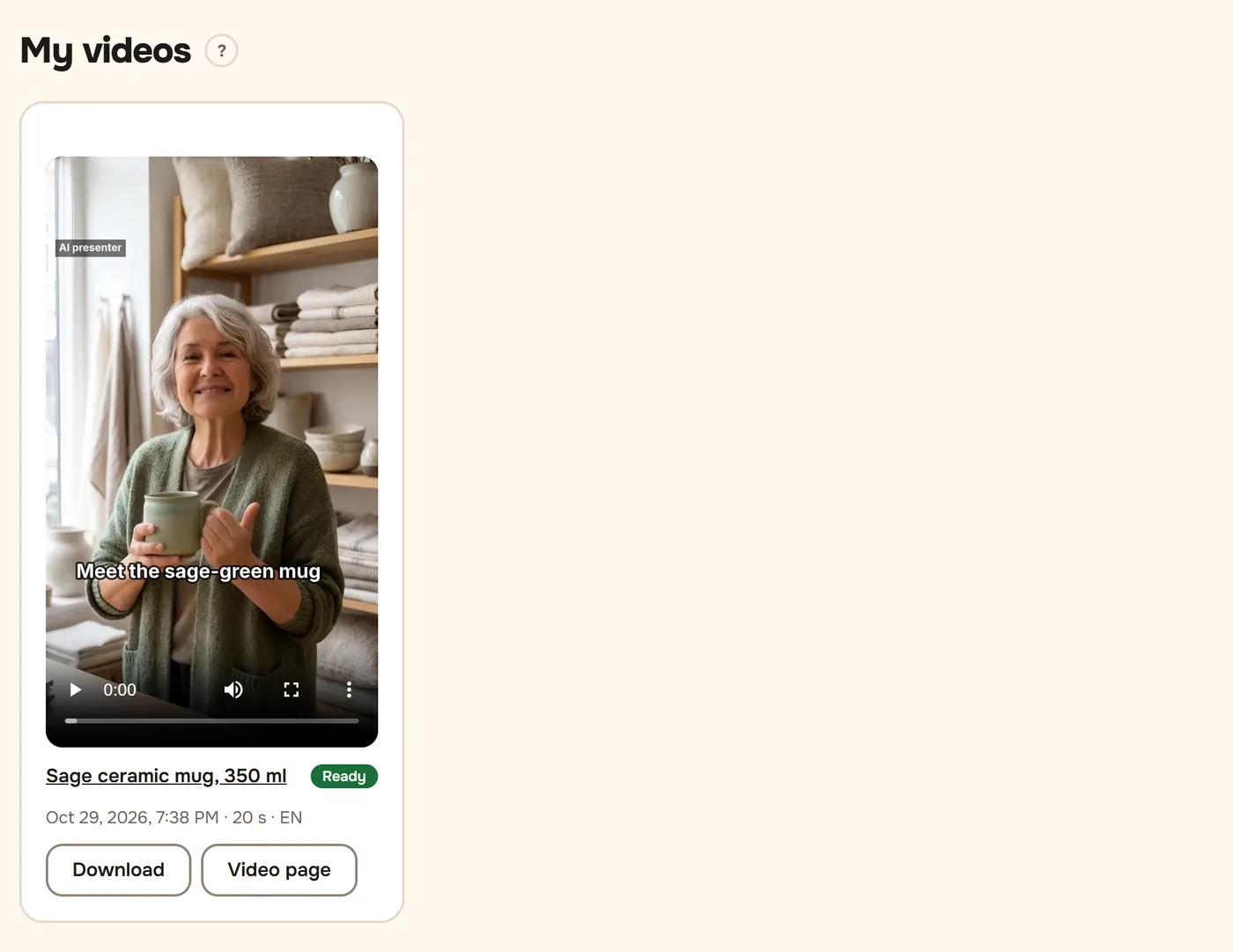
To post it, see Download and post a video.
Didn't work?
- "Not enough credits." Your balance is empty: top up or enter a promo code on the home page under Have a promo code?.
- No e-mail with the link. Check the spam folder; a new link can be requested after a few minutes.
- The script says something wrong about the product. Fix the text on the script step, or change the product description and make a new video.
Still stuck? Write to [email protected].