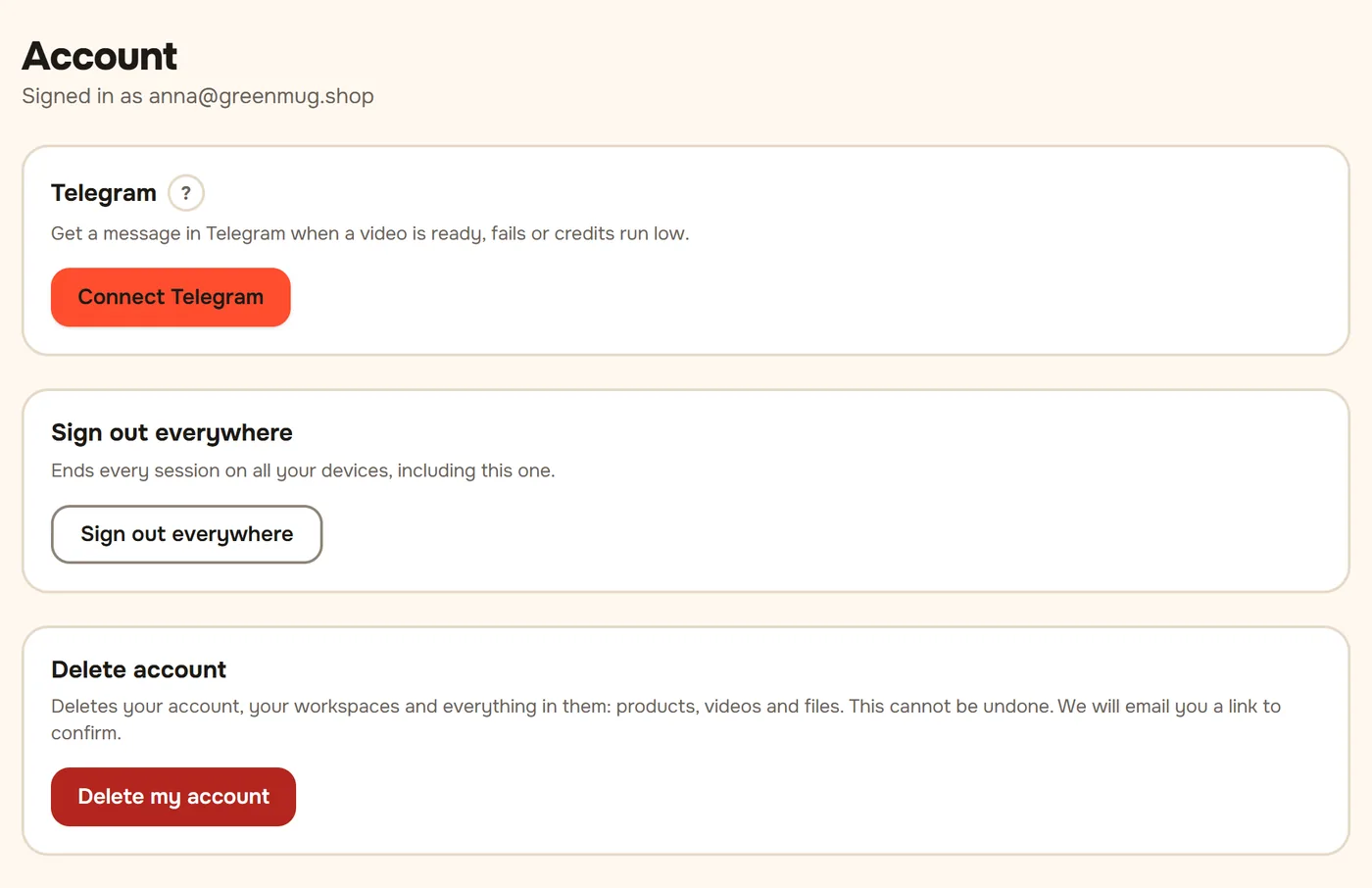
In the cabinet, open the menu with your name in the top right corner and choose Account.
In the Telegram block, press Connect Telegram. Telegram opens with the chat of @baboomabot.
Press Start at the bottom of the chat. The bot answers "Done, Telegram is connected to …" with your email.
Go back to the cabinet: the block now says Connected. Done.
What comes to Telegram:
- Video ready: the cover and an Open button.
- The video could not be made: the credit is already back on your balance.
- Credits are running out: a Top up button.
Make a video right in the bot:
- Send the bot a link to the product page, or 1 to 5 photos with a caption: the product name and price.
- In a minute the bot sends the script with buttons: Start, Edit text, Other presenter, No presenter. To edit, press Edit text and send the new text: three paragraphs (opening, main part, call to action).
- After Start the video comes to the chat in a few minutes, with its post text and Publish to "…" buttons for your channels.
The video uses the credits of your workspace and shows up in My videos. If there are not enough credits, the bot gives a link to top up on the site.
Commands in the bot (the Menu button next to the message field):
- /balance shows how many videos you can still make.
- /help gives a link to this guide.
- /stop turns off the messages and unlinks Telegram.
To pause the messages without unlinking, turn off Send notifications to Telegram in Account. Disconnect there works like /stop.
The connect link works for 15 minutes and only once. If the bot says the link has expired, press Connect Telegram again.